Chatbot
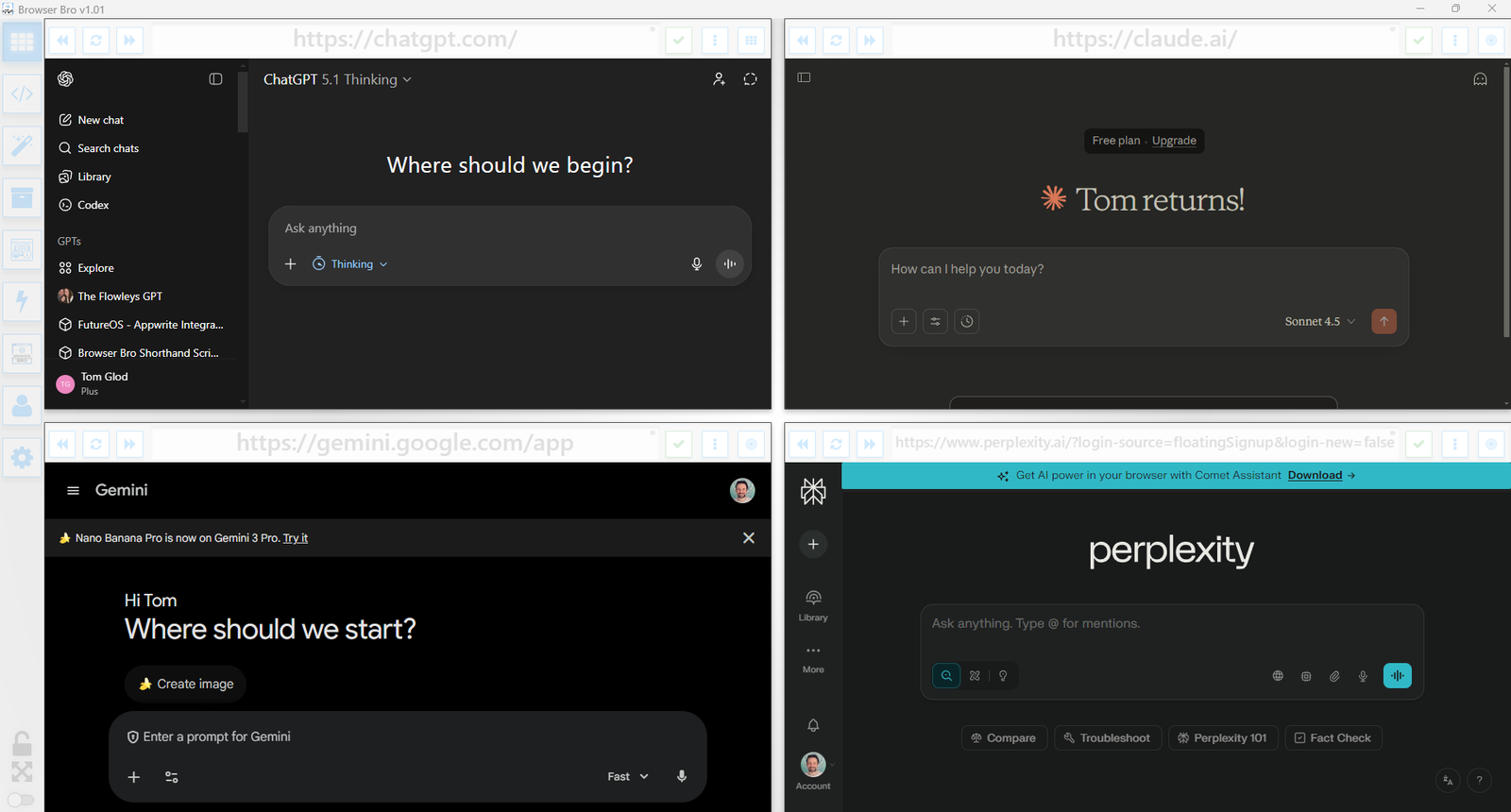
Our chatbot can help answer questions about Browser Bro. It can even help you with your Shorthand Automation Script.

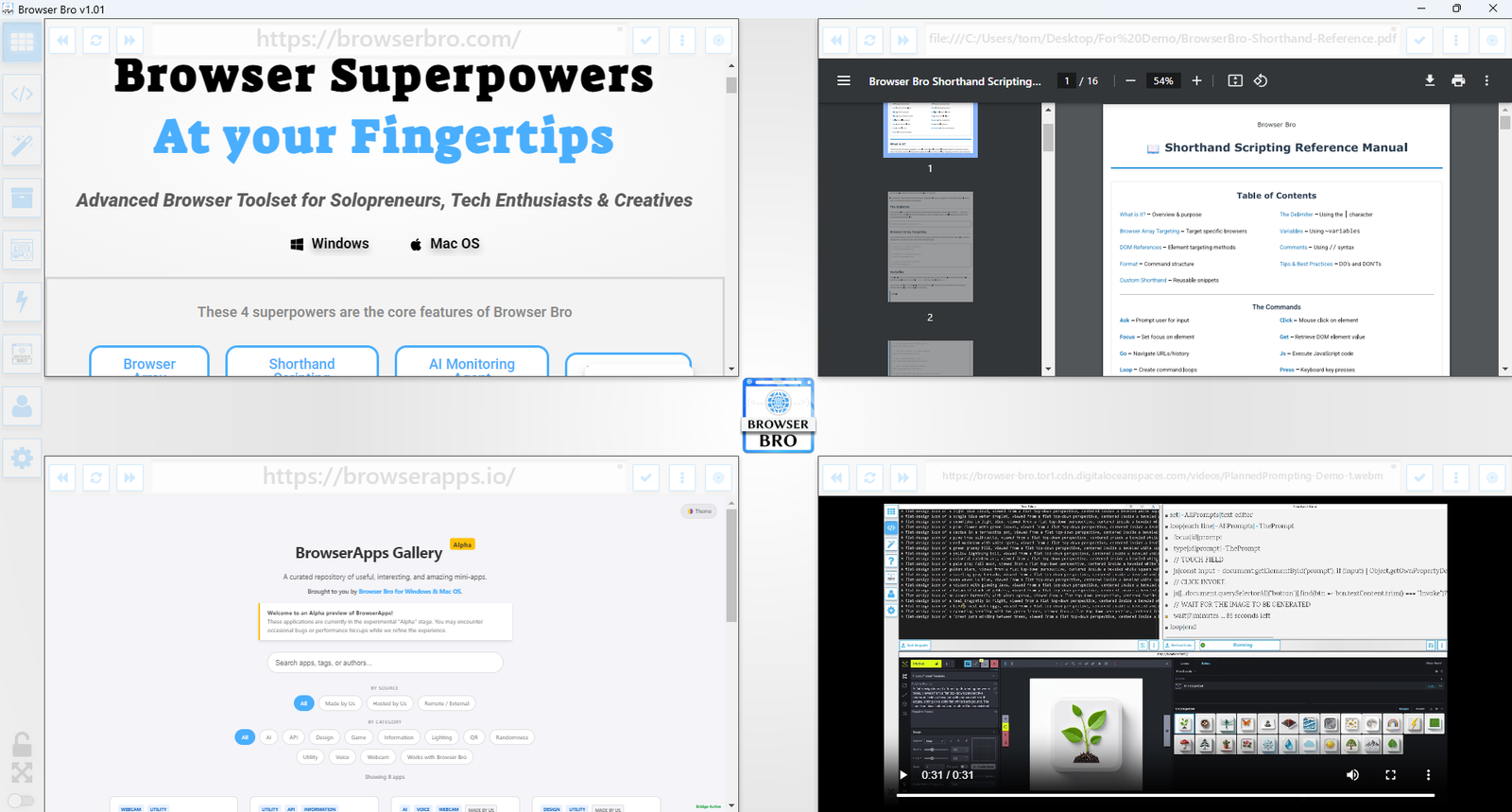
BrowserApps are free, ad-free mini apps that run in your browser. Many also connect with Browser Bro workflows for monitoring, state, files, or Browser Array automation.

Camera, microphone, screen sharing, peer sessions, QR pairing, snapshots, recording, and Monitoring Agent snapshot support.
Test API endpoints, save presets, inspect JSON responses, and send results to Browser Bro monitoring workflows.
A brand color studio for palette generation, role-based swatches, contrast checks, previews, and copyable exports.

A physics-based dice roller for tabletop games, decisions, randomness, and quick probability moments.

A device light utility with color, brightness, animation, and ambient effect controls for streams or video work.

Create styled QR codes for URLs, contact data, Wi-Fi, text, and more, with logo support and image export.

Extract webpage text, links, images, metadata, and structured JSON for research, LLM prep, and monitoring workflows.
YouTube-focused parental controls with child profiles, safe collections, usage limits, PIN controls, and backup/restore.

A historical YouTube video gallery organized by era, with favorites, adjustable library size, and embedded playback.

Batch process images with styles, color effects, presentation shadows, quick layouts, individual downloads, and ZIP export.

A freeform photo collage editor with image upload, canvas sizing, auto-layouts, frames, project save/load, and stream export.

Upload local PowerPoint decks, navigate slides, present fullscreen, autoplay, and auto-present with optional OpenAI voice narration.
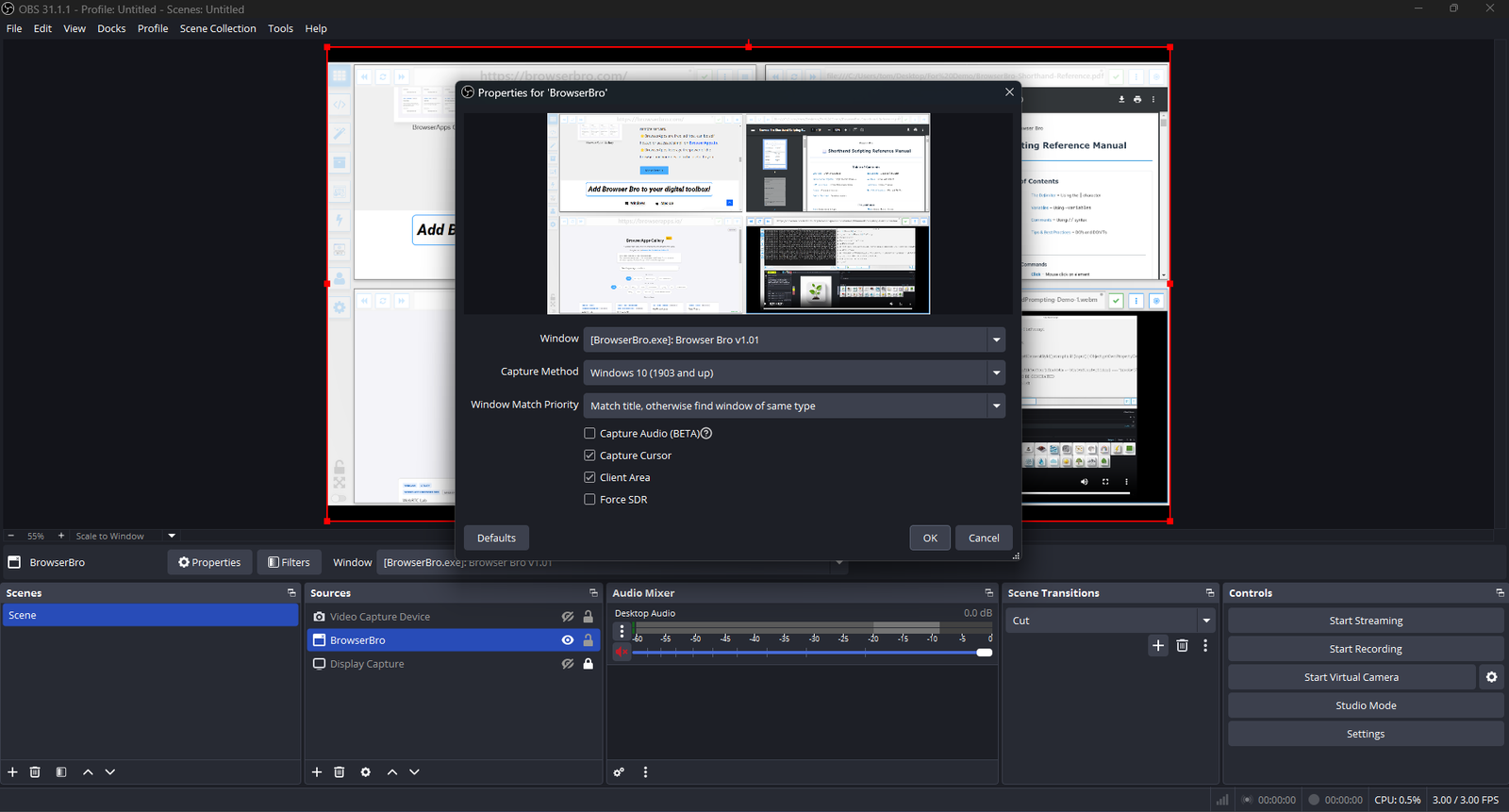
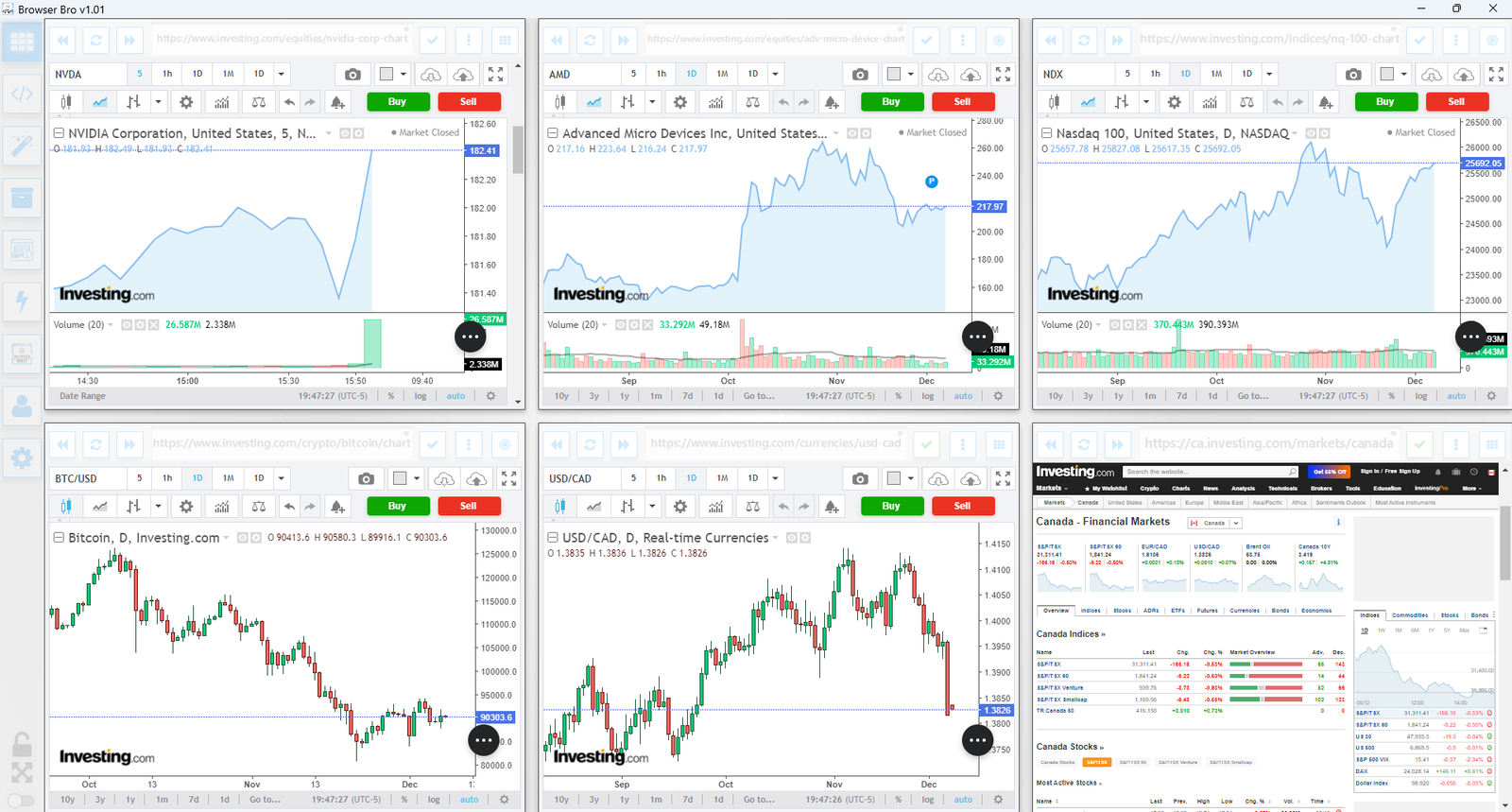
Streamers often need to share portions of multiple live pages at once—chat, alerts, stats, and dashboards. The Browser Array gives you all of them inside a single window. OBS sees that window as one clean source, no extra browser juggling or overlays required.
The Browser Array behaves like a single virtual monitor. OBS captures it once, while each embedded browser inside stays fully live and interactive. This means chat windows, dashboards, and web tools all stay synced and active—without adding more sources or slowing down your stream.
Switch layouts, resize panels, or swap URLs in real time. OBS still sees it as one window, keeping your workflow simple and stable.