If you have asked yourself.  “Can ________ be scripted in Browser Bro?”

The answer is most probably a Yes.

Browser Bro Shorthand language has limitations in order to keep its complexity low.
And for this very reason, we put JavaScript itself into the Shorthand Scripting language.
Not in just one way, but two.

The first is …
The JS command lets you run pure JavaScript as long as it is minified to a single line. (Which should be possible with almost any code snippet.)
Example:

js|alert(‘The javas script ran’)

The second is …
Custom commands which lets you

  1. Save a JS snippet in Browser Bro’s JS Editor
  2. Reference it in shorthand scripting.

This second method gives you more flexibility and is perhaps simpler to work with
It is very simple to use, like so:

custom|name_of_snippet|1st variable placeholder text|2nd variable placeholder text

More on both in the reference manual.

What’s the fastest way to figure out the correct JavaScript?

  • Browser Bro’s internal Shorthand Scripting AI, using GPT 4.1
  • The Browser Bro GPT
  • Browser Bro support bot

TIP

if you provide a snippet of the html code which you are trying to interact with, an AI will easily be able to easily give you the correct Javascript.
Scroll to Top

🖥️ Browser Array – Monitoring & Presentation

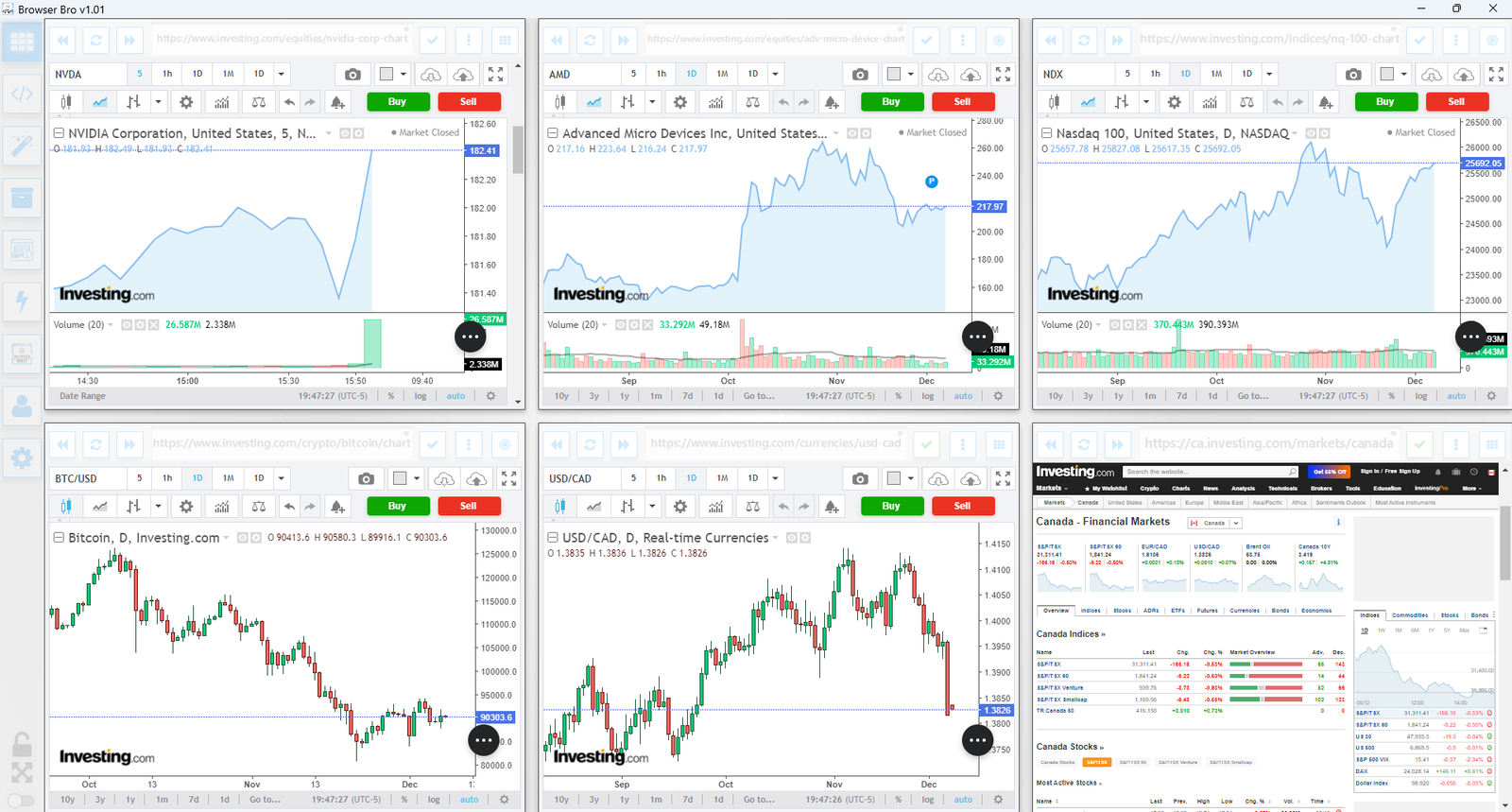
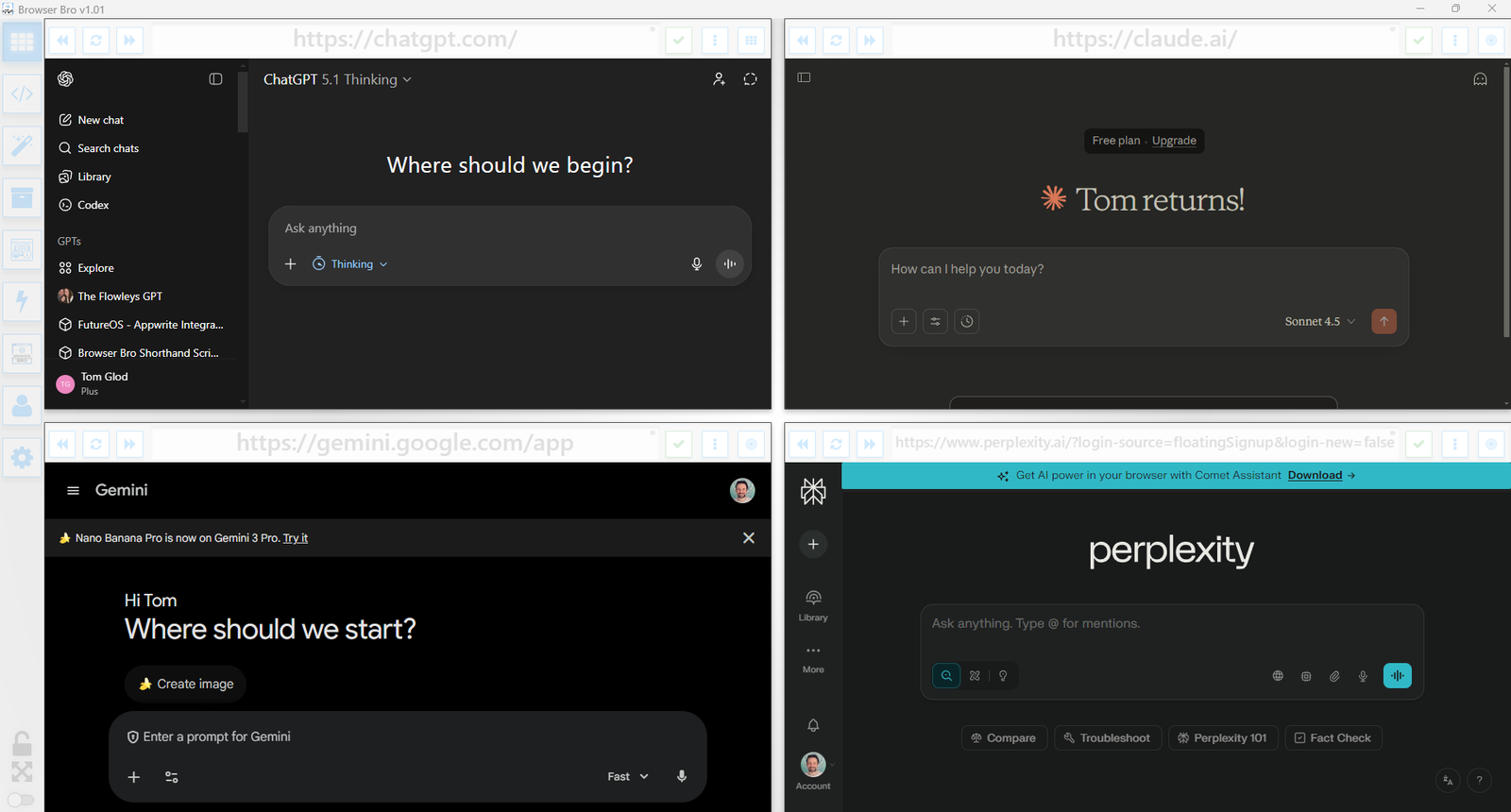
View and manage up to 16 browser instances—all in a single and resizable window. The Browser Array gives you real-time, at-a-glance visibility and makes it effortless to switch between focus and overview modes.

  • âś… Monitor up to 16 live websites side-by-side
  • âś… Works great with dashboards, analytics, social feeds, and more
  • âś… Set per-browser zoom, scroll, and auto-refresh
  • âś… Focus mode lets you enlarge and control one browser at a time
  • âś… Present content cleanly from a single or multi-browser view
  • âś… Easily automate actions in each browser using Shorthand Scripts

How It Works

Open anywhere from 1 to 16 browser panels inside your Browser Bro window.

Each panel can be customized with its own URL, zoom level, scroll position, and refresh interval.

For live presentations or focused work, toggle a browser into focus mode to expand it and interact with it directly.

It’s the perfect tool for creators, analysts, trainers, and developers who need more than one tab—and more control than any browser offers by default.

đź”’ Kiosk Mode

Kiosk Mode is perfect for public displays, demos, training environments, or anywhere you need to lock the browsing experience to a specific page—or category of pages.

  • âś… Prevents navigation away from chosen content
  • âś… Easy to configure per browser widget
  • âś… Works with URL prefixes to define “safe zones”
  • âś… Instantly reloads if a user tries to go off-limits
  • âś… Ideal for kiosks, classrooms, or training labs

How It Works

Each browser widget in your array can have kiosk mode turned on individually.

You define an Allowed URL Prefix—like https://example.com/training/.

If the user navigates to a page outside of that prefix, Browser Bro refreshes the current page automatically, keeping them inside the allowed range.

No interruptions, no confusion—just a locked-in experience for your audience.

📊 Nail Your Next Presentation

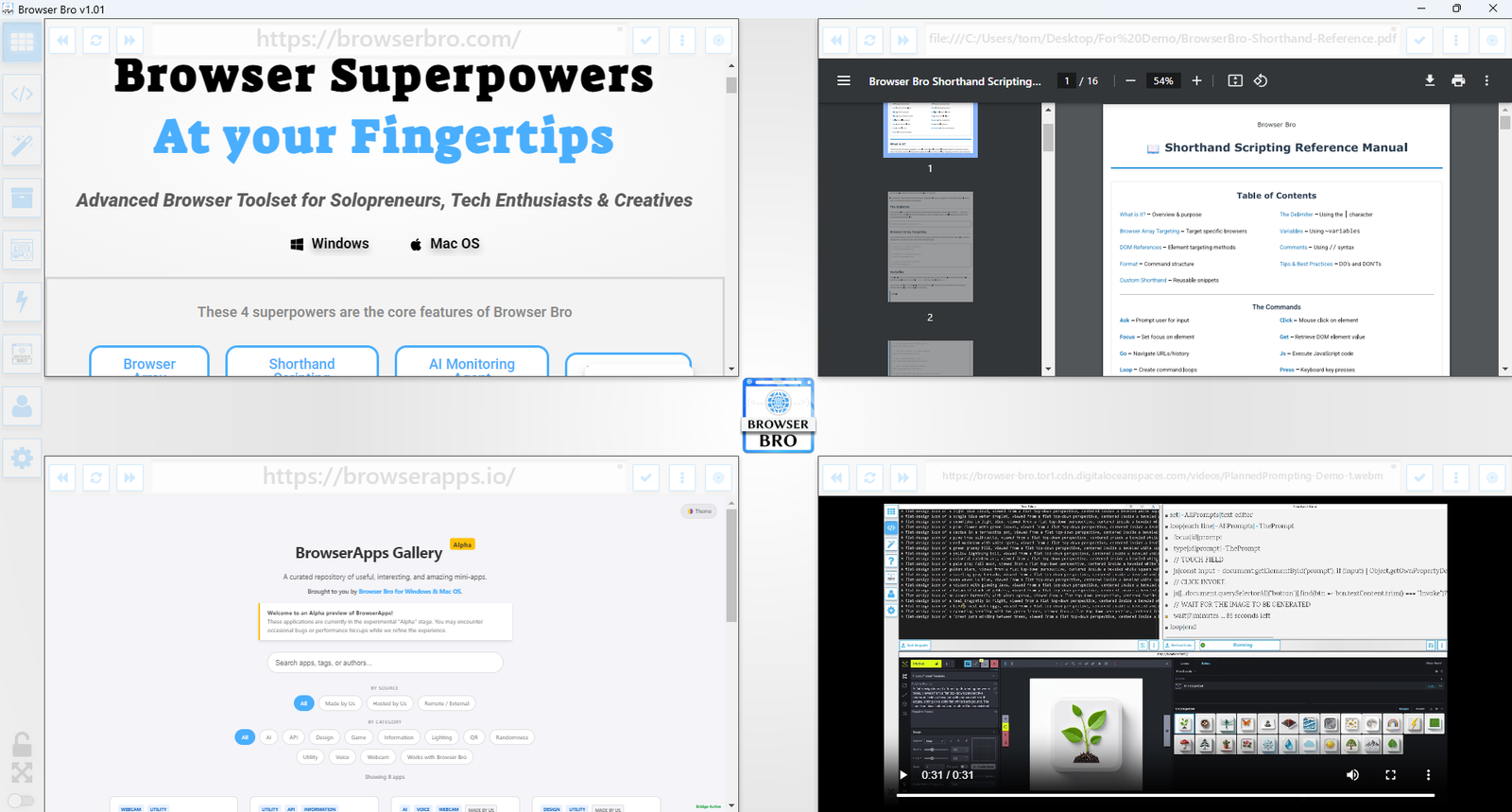
Whether you’re teaching, demoing, pitching, or streaming, Browser Bro turns your screen into a dynamic multi-source stage. Present like a pro with full control over every resource in your array.

  • âś… Load up to 16 different resources at once—each in its own browser panel
  • âś… Focus on any resource instantly, or cycle through them one by one
  • âś… Include any browser-viewable content: websites, dashboards, slides, docs, videos, PDFs
  • âś… Use kiosk mode to keep the presentation safe and locked-in

Record Your Presentations

With screen recording tools, you can capture your full array layout—including focused transitions, annotations, live interactions, and multi-tab storytelling—all in one seamless take.

Whether you’re making a training video, documenting a workflow, or producing a polished walkthrough, Browser Bro array can help your presentation to stand out.

🎥 Streamers: Browser Array + OBS

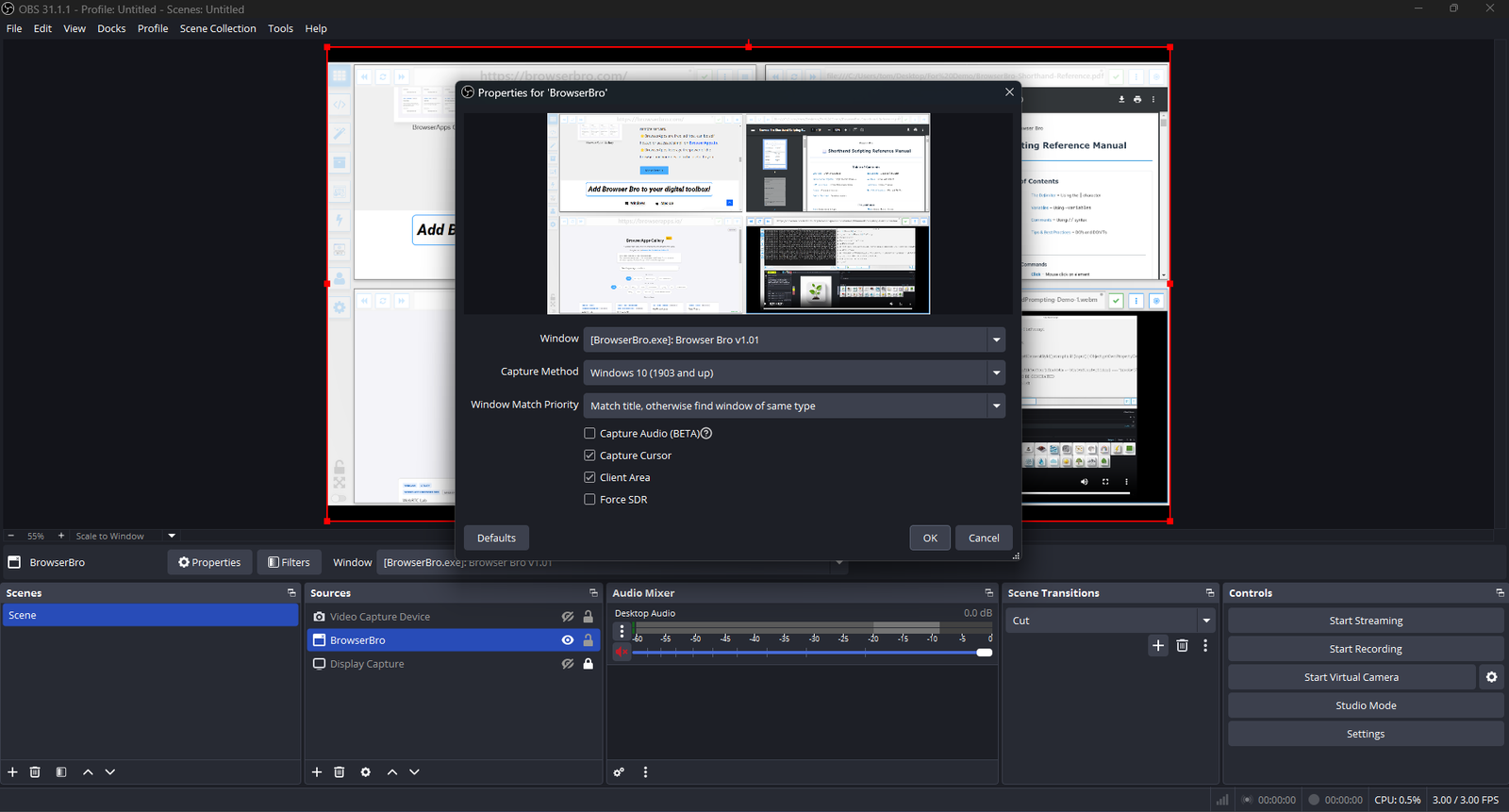
Streamers often need to share portions of multiple live pages at once—chat, alerts, stats, and dashboards. The Browser Array gives you all of them inside a single window. OBS sees that window as one clean source, no extra browser juggling or overlays required.

  • âś… Combine multiple browsers into one OBS-ready window
  • âś… Up to 16 live sites displayed in a grid or column view
  • âś… Individual panel controls: zoom, scroll, and optional auto-refresh
  • âś… Focus Mode to highlight one panel full-screen without changing your scene setup
  • âś… Optional branding or layout presets for polished streaming setups (Advanced+)

One Source, Many Browsers

The Browser Array behaves like a single virtual monitor. OBS captures it once, while each embedded browser inside stays fully live and interactive. This means chat windows, dashboards, and web tools all stay synced and active—without adding more sources or slowing down your stream.

Switch layouts, resize panels, or swap URLs in real time. OBS still sees it as one window, keeping your workflow simple and stable.

Common Streaming Uses

  • Chat, alerts, and analytics in one live feed
  • Keeping sponsor pages and timers visible off-camera
  • Browser-based demos or web tutorials without scene switching
0
Would love your thoughts, please comment.x
()
x