Browser Bro for Students
Every student knows the feeling — juggling tabs for lectures, research papers, references, and group projects. Tab overload can quickly become overwhelming. Browser Bro is here to simplify that chaos. While designed with developers in mind, its tools make it ideal for students who want more structure in their workflow. One of its most helpful features is the Browser Array.
What is the Browser Array Feature?
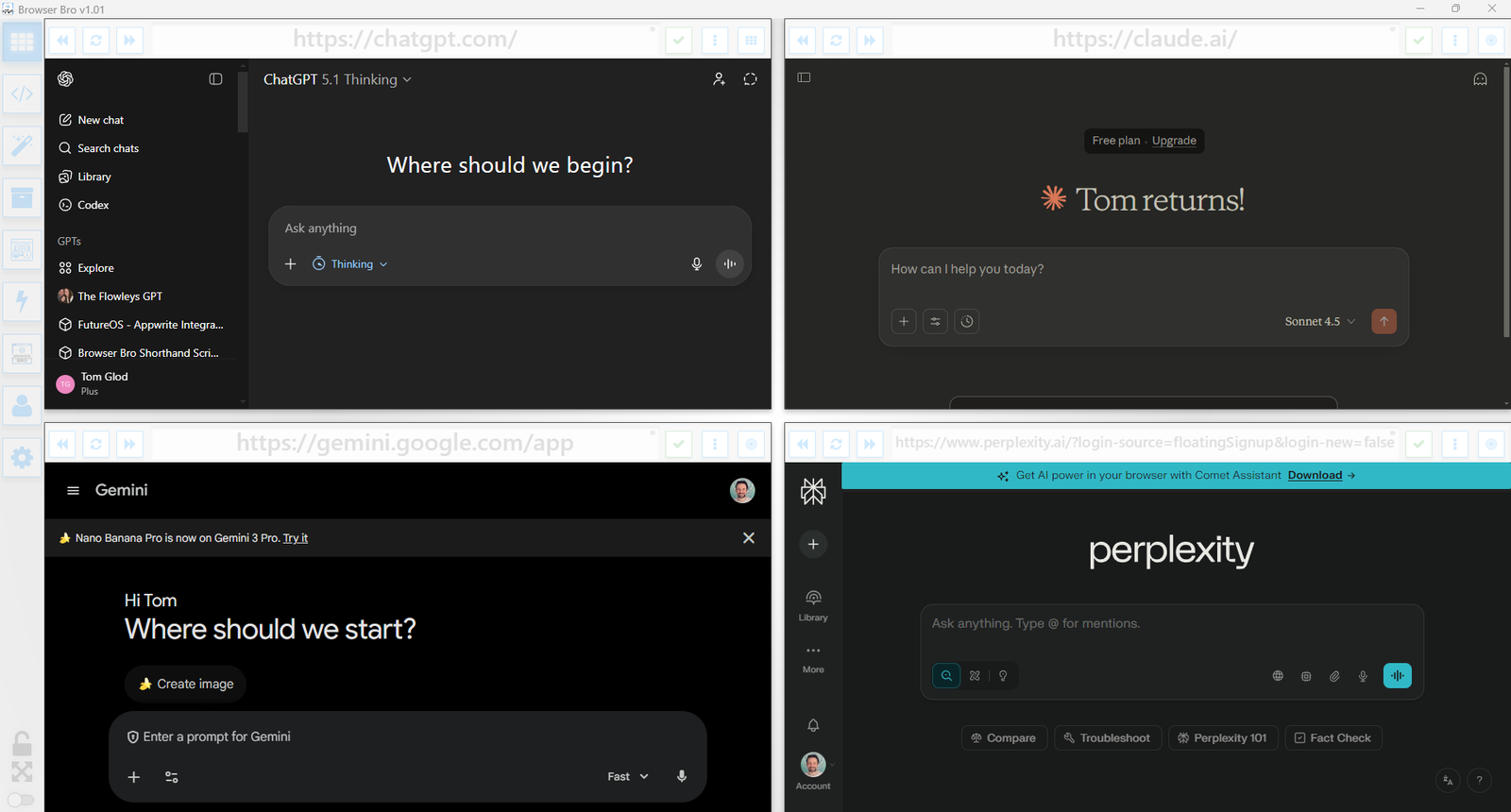
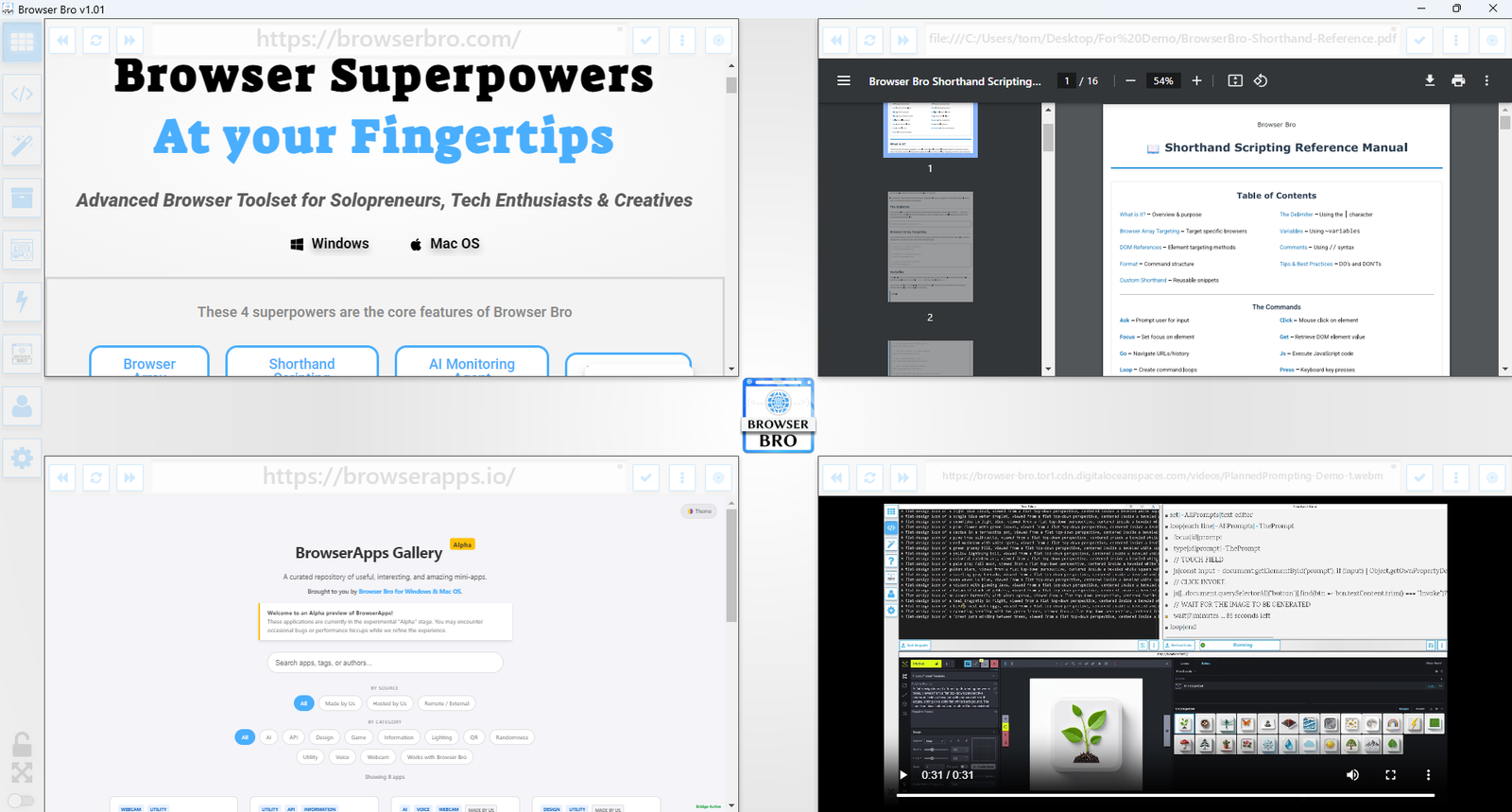
The Browser Array lets you manage multiple browser windows at once. You can arrange up to a 4×4 grid, depending on how many tasks you need open simultaneously. It brings order and clarity to your digital workspace.
For example:
Here you see a 2×2 layout showing an educational video, an LMS, a research site, and maybe your favorite background track from Youtube — a compact, efficient study environment.
Why It’s Useful for Students
Students often need to switch rapidly between tasks — joining lectures, checking the portal, researching, or writing papers. The Browser Array streamlines that process, especially if you:
- Use a single monitor
- Reopen the same study resources frequently
- Work on multiple assignments from different classes
- Prefer a separate browser setup for study vs. personal use
Instead of juggling windows, you can work from a unified dashboard. Browser Bro even lets you assign a website to open automatically in a chosen window at startup. (Go to settings → click the arrows or header → select your browser window → paste the site link into “Starting URL.”)
Try It Yourself
Student life demands flexibility and focus. Browser Bro’s Array gives you both — keeping your digital workspace organized so you can study smarter. Set up your Browser Array today for only $67 USD and turn your study sessions into streamlined success.